
Note-taking during meetings
Note-taking with Beesy.
Structured note-taking
From the start, categorize your notes in different types according to which data it is : tasks to save or to do.
Example :
- “comments” fits well when the data is a remark, an information
- “task” fits when an action is to be done
- “email” fits better when it concerns mail to be sent
- “meeting” when there is a meeting to organized
- “decision” fits whenever decision are made during the meeting
- …

Automatic action plan
An efficient meeting can help define an action plan, the “who does what”
The notes which you categorized in a type that does follow-up such as tasks, emails, meetings can help you draw out an action plan automatically.
Create and delegate actions directly when taking your notes.
Beesy centralizes all actions from meetings. You will be able to easily find them in your todo list every day, at the date you set for you and your co-workers.
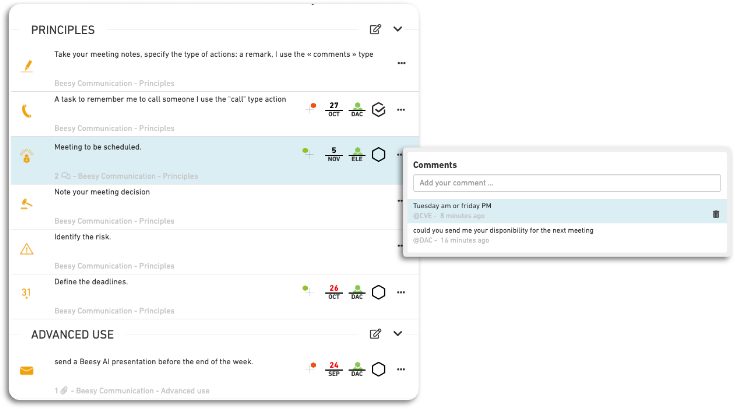
Demonstration – How to take notes in Beesy ?
Summary :